
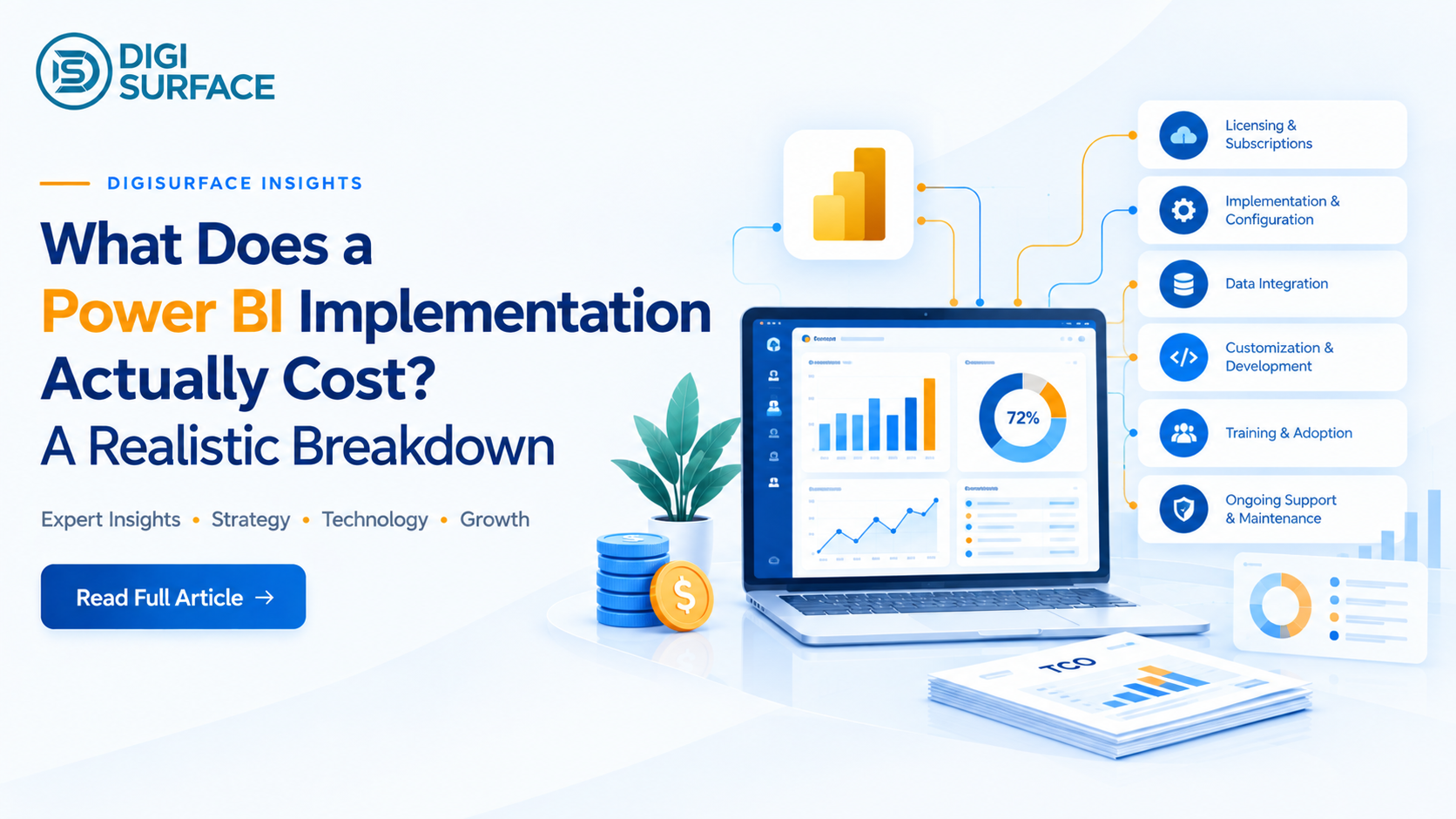
Power BI licensing itself is cheap. Power BI Pro runs $14 per user per month as of 2026, up from $10 before Microsoft’s April 2025 price increase. The real cost of a Power BI implementation isn’t the license; it’s everything built around it. Data preparation, semantic modeling, governance, training, and ongoing support typically account for far more of a project’s total cost than the software fee. Third-party implementation guides put initial setup costs anywhere from $3,000 to $15,000 or more, depending almost entirely on data complexity a range wide enough to be nearly meaningless unless you know which specific driver is pushing your number toward one end or the other.
If you’ve already been quoted a Power BI project cost and don’t know whether it’s reasonable, see the five real cost drivers below and where your quote likely sits before you sign anything. Get a free Power BI cost estimate →
Licensing Costs: The Easy Part
Licensing is the most straightforward line item, and the one most cost guides focus on almost exclusively, which is misleading, since it’s rarely the biggest expense.
| License | 2026 Price | Best For |
| Power BI Pro | $14/user/month | Standard authoring and sharing within licensed users |
| Power BI Premium Per User (PPU) | $24/user/month | Larger datasets, AI features, paginated reports |
| Microsoft Fabric Capacity (F64+) | From ~$5,000+/month | Organizations large enough that unlimited free viewers become cheaper than per-user Pro licenses |
Microsoft raised Pro pricing by 40% in April 2025, and PPU by 20% in the same update. If a cost estimate you’ve seen still shows $10/user for Pro, it’s outdated and worth flagging before it becomes the basis of a budget.
The Real Cost Drivers Behind a Power BI Implementation
This is where an actual Power BI implementation cost gets decided, not in the license line.
1. Data Preparation
This is usually the single largest cost variable in the entire project. A business with clean, centralized data in one ERP system costs a fraction of a business pulling from six disconnected spreadsheets, legacy databases, and manual exports. Cleaning, transforming, and structuring that data into a proper star-schema model the standard, high-performance structure Power BI is built around is where the bulk of implementation hours typically go.
2. Semantic Modeling
Beyond raw data prep, a mature implementation builds certified, shared datasets a single, agreed-upon definition of “revenue” or “active customer” that every report in the organization uses. Skip this step and different departments quietly build their own versions of the same metric, and leadership ends up debating whose number is right instead of acting on either one.
3. Governance (Power BI Governance)
Row-Level Security setup, workspace permissions, and refresh scheduling all fall under governance, and it’s the step most commonly cut to save cost upfront. That shortcut tends to resurface later as a security incident or an access-control failure, at a cost far higher than doing it properly the first time.
4. Training
End-user and admin training is frequently underquoted or skipped entirely. A technically flawless dashboard that nobody knows how to use, or trusts, delivers zero return regardless of how much the build itself cost.
5. Ongoing Support
A one-time build with no support plan behind it tends to degrade within a year as business needs shift, data sources change, and nobody’s assigned to maintain it. Ongoing support cost should be budgeted as part of the implementation, not treated as an optional add-on decided later.
Realistic Cost Ranges by Scenario
These are directional, industry-typical ranges not a fixed quote, since the five drivers above move the number substantially in either direction.
| Scenario | What Drives the Cost |
| Single-department dashboard, one clean data source | Lower end of the range: minimal data prep, straightforward governance |
| Multi-source enterprise rollout (ERP + CRM + spreadsheets) | Mid-to-upper range data prep and semantic modeling dominate |
| Multi-country, multi-entity, multi-currency implementation | Highest-end governance, Row-Level Security by region, and training scale with every additional entity |
For context on what “enterprise scale” actually looks like in practice: DigiSurface’s Power BI deployment for Godfrey Phillips India serves 300+ Area Managers on mobile, and the Central Bank of Oman engagement involved a fully regulatory-compliant data platform; both examples of the multi-user, multi-source complexity that pushes a project toward the higher end of any cost range, regardless of vendor.
How to Get an Accurate Quote, Not a Guess
A real Power BI implementation cost estimate — the same discipline that applies across broader data analytics consulting services — depends on answering three questions honestly before requesting a quote:
- How many data sources need to feed the dashboard, and in what condition is that data today?
- How many users need access, and at what level: viewer, author, or admin?
- What governance requirements apply: role-based access by region, industry compliance, or none of the above?
A vendor who can quote a number without asking these questions first is either guessing or padding the estimate to cover unknowns.
Frequently Asked Questions
How much does Power BI Pro cost per user?
Power BI Pro costs $14 per user per month as of 2026, following a 40% price increase from the previous $10/month rate in April 2025. Premium Per User costs $24 per user per month.
What’s included in a Power BI implementation cost besides licensing?
Beyond the license fee, business intelligence implementation services typically include data preparation and cleaning, data modeling (star schema and semantic layer), dashboard and report design, governance and security setup, user training, and ongoing support, often accounting for more of the total cost than licensing itself.
Is Power BI Premium worth it over Pro for a growing team?
Premium Per User becomes worthwhile once a team needs larger dataset sizes, more frequent refreshes, or AI features Pro doesn’t support. For most organizations under roughly 250 users, Pro combined with select PPU licenses for specific power users is typically more cost-effective than moving the whole team to Premium.
Why do two Power BI implementation quotes for the same company vary so much?
Quotes vary based on how much data preparation is actually required, whether governance and security are scoped in from the start, and whether training and ongoing support are included or treated as separate add-ons. A lower quote often means one or more of these has simply been left out, not that the work costs less.
Does Power BI implementation cost more for multi-country or multi-currency businesses?
Yes. Multi-entity, multi-country implementations require more complex data modeling, region-specific governance and Row-Level Security, and training across more user groups all of which increase both timeline and cost compared to a single-entity deployment.
What’s the difference between Power BI Pro and Microsoft Fabric pricing?
Power BI Pro is priced per user, regardless of how many total viewers an organization has. Microsoft Fabric uses capacity-based pricing at the F64 tier and above; an organization can have unlimited free viewers, which becomes more cost-effective than per-user Pro licensing once viewer counts are large enough.
A Realistic Budget Beats a Cheap Quote
The 3,000–15,000+ range floating around most cost guides isn’t wrong; it’s just incomplete without knowing which of the five drivers above applies to your specific data environment.
Book a free Consultation for a Power BI cost estimate with DigiSurface to get a number based on your actual data sources and user count, not an industry-average guess.