
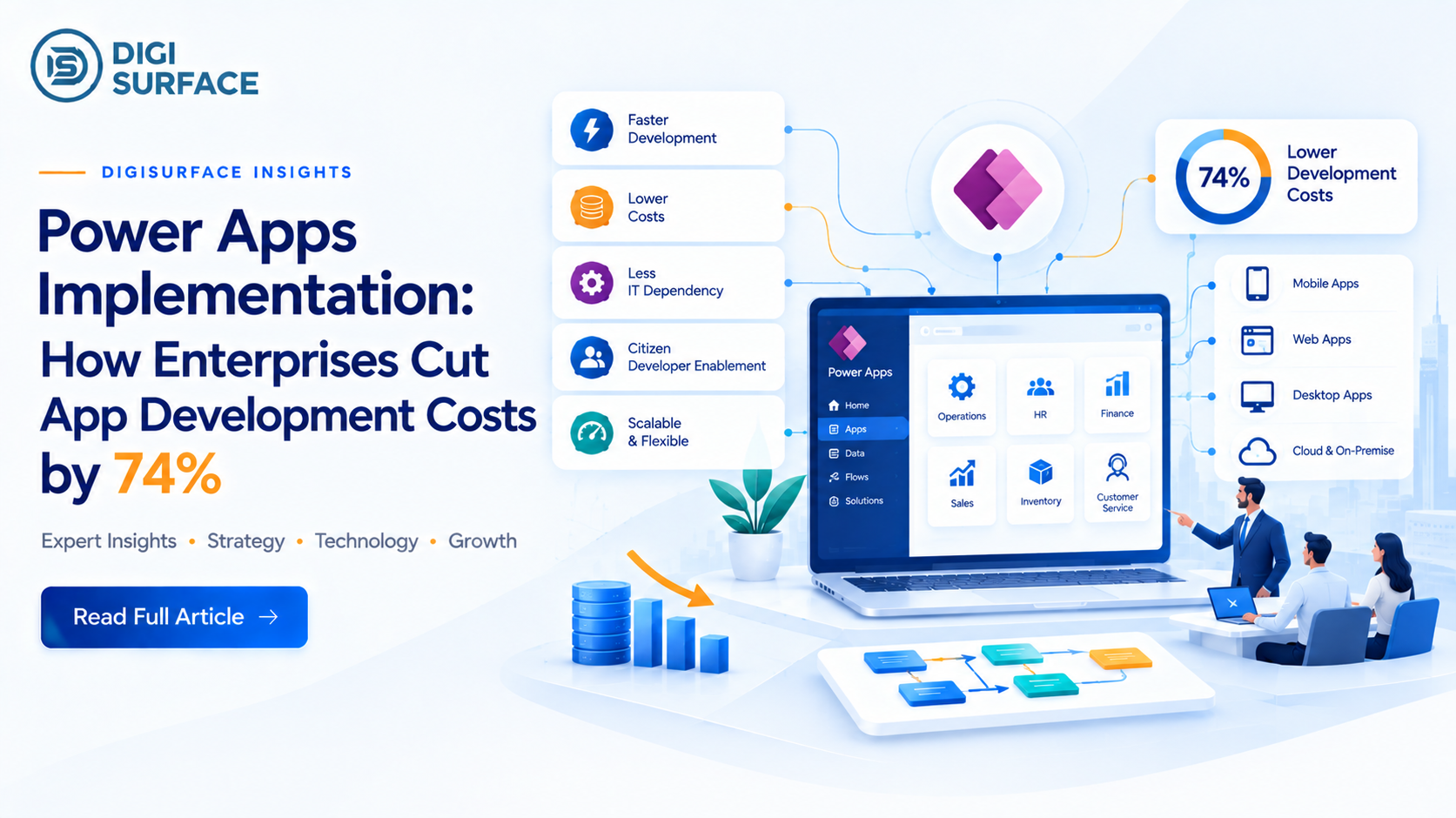
A Forrester Total Economic Impact™ study, commissioned by Microsoft and published in March 2020, found that organizations using Power Apps reduced average application development costs by 74%, saw a 188% ROI over three years with payback in under six months, and gained 3.2 hours of productivity per employee per week. That number holds up because Power Apps implementation replaces custom-coded, IT-backlogged app requests with low-code development that both professional developers and trained business users (“citizen developers”) can build on, connected to Microsoft Dataverse and over 1,400 connectors into existing enterprise systems. DigiSurface has delivered this directly: a Power Apps rollout to 300+ Area Managers at Godfrey Phillips India, replacing a 24–48 hour field-reporting lag with real-time data.
If your IT team has a 6-month-plus app development backlog, or a critical process still runs on Excel and email approvals, see what a Power Apps implementation actually looks like for a process your size, using the same framework behind a 300-user enterprise rollout. Book a free Power Apps Consultation→
1. The ROI Case: Why Power Apps Implementation Has One of the Best-Documented Returns in Low-Code
Most low-code ROI claims are vague marketing numbers. This one isn’t. Forrester Consulting’s Total Economic Impact™ study, commissioned by Microsoft in March 2020, is a named, methodologically documented study, not a vendor estimate, and it found three specific figures: a 74% reduction in average application development costs, a 188% three-year ROI, and a payback period under six months. A follow-up 2021 Forrester study on the broader Power Platform (not Power Apps alone) found a 502% ROI when automation and BI are combined with app development, though that figure spans more than app-building costs alone, so it’s not directly comparable to the 74%/188% Power Apps-specific numbers.
The mechanism behind the 74% figure is straightforward: Power Apps shifts a meaningful share of app-building work from professional developers writing custom code to a mix of professional developers and trained business users (“citizen developers”) assembling applications with pre-built components, Power Fx formulas, and native connections into existing data, cutting both development hours and the queue time apps typically spend waiting in an IT backlog.
2. What Power Apps Implementation Actually Involves
Definition: Power Apps implementation is the structured process of assessing a business need, designing a secure app architecture, building and testing a Canvas or model-driven application, and deploying it with governance and user training — using Microsoft Power Apps’ low-code platform rather than custom software development.
The process typically moves through five phases:
- App assessment: auditing current workflows to find bottlenecks or manual processes suited to low-code replacement
- Objective mapping: aligning the build to a specific, measurable business outcome, not “digitize everything”
- Architecture and design: choosing Canvas, model-driven, or portal app types, and selecting the data source (Dataverse, SharePoint, SQL)
- Testing and QA: validating user roles, data delegation limits, and workflow triggers before rollout
- Deployment and training: rolling out to production with structured admin and end-user training, not a silent launch
The phase most often rushed, and the one that determines whether adoption actually sticks, is deployment and training. A technically sound app with no adoption plan behind it produces none of the ROI above.
3. Real Power Apps Use Cases (Not Hypothetical Ones)
Power Apps shows up most often in a narrow set of high-value scenarios, not a generic “digital transformation” pitch:
- Field sales and mobile data capture: real-time entry replacing paper forms or delayed spreadsheet updates
- Approval workflows: expense, purchase order, and leave approvals routed automatically instead of through email chains
- Inventory and asset tracking: mobile scanning and status updates synced live to backend systems
- Custom dashboards for non-technical teams: operational views built without waiting on a BI or dev team’s backlog
DigiSurface case in point: a Power Apps deployment for Godfrey Phillips India put real-time sales and field data in front of 300+ Area Managers on mobile, cutting reporting lag from 24–48 hours to effectively instant the same “eliminate the IT backlog for a specific, high-friction process” pattern behind most of the ROI data above.
4. Architecture: Dataverse, Canvas Apps, and What “Enterprise-Grade” Actually Requires
A Power Apps build aimed at a department of 10 people and one aimed at 300+ users across multiple countries are not the same architecture problem. Enterprise-scale implementations are built around:
- Microsoft Dataverse as the data layer: a secure, relational platform that handles complex data relationships and row-level security, rather than relying on SharePoint lists or Excel as a data source at scale
- Canvas apps for fully custom, pixel-level UI control, versus model-driven apps for data-centric interfaces generated automatically from Dataverse tables; the choice depends on whether the priority is UI flexibility or speed of build
- 1,400+ native connectors into Microsoft 365, Azure, Salesforce, and legacy systems, avoiding custom integration work for common data sources
- Governance from day one: environment strategy, data loss prevention policies, and app-lifecycle management, so a citizen-developer-built app doesn’t become an ungoverned security gap
A citizen developer is a business user not a professional software engineer building or customizing applications using low-code tools like Power Apps, typically under IT-defined guardrails rather than working unsupervised. The citizen developer model is central to how the 74% cost reduction gets realized: it’s not that professional developers work faster, it’s that a share of app-building work shifts to people who already understand the business process, without waiting in a dev queue.
5. What Power Apps Actually Costs in 2026 (Licensing Has Changed Recently; Confirm Before You Budget)
Power Apps licensing has shifted twice within 2026, so treat any pricing you read, including this, as something to verify against Microsoft’s current pricing page before finalizing a budget:
- Power Apps Premium (the current name for the former “per user” plan): licenses one user for unlimited custom apps and Power Pages websites, priced at roughly $20/user/month (lower at enterprise volume tiers). Microsoft has confirmed a further price increase on this plan effective January 1, 2027.
- Power Apps per-app plan: licenses a single user for a single app at roughly $5/user/app/month. This plan was removed from Microsoft’s licensing guide for most new/non-CSP customers in January 2026, restored to CSP price lists in April 2026, and remains renewable for existing EA customers but is no longer a straightforward option for every buyer.
- Pay-as-you-go: billed per active monthly user per app via Azure billing, at roughly $10/user/app/month, for organizations that want to avoid committing to fixed per-user licenses.
The practical implication: a single enterprise-wide Power Apps deployment isn’t priced on one flat number anymore it depends on how many apps a given user actually needs, which licensing channel you buy through, and how Microsoft’s 2026 changes apply to your specific agreement type. This is exactly the kind of detail worth getting from an implementation partner rather than a generic pricing page, since the “right” plan mix depends on actual usage patterns, not a one-size answer.
6. How DigiSurface Approaches Power Apps Implementation
DigiSurface’s Power Apps implementations follow the five-phase process above, with two things layered in that generic low-code guides don’t cover:
- Microsoft Power Platform consulting spanning Power Apps, Power Automate, and Power BI together since the highest-value implementations (like the Godfrey Phillips rollout) combine a custom app with automated workflows and a reporting layer, not a standalone app in isolation
- India and GCC licensing and governance guidance helping enterprises navigate exactly the kind of 2026 licensing shifts covered above, so a Power Apps rollout doesn’t get re-priced out from under a business mid-deployment
If your organization has a specific manual process field reporting, approvals, inventory tracking that’s costing hours every week, that’s the starting point for a Power Apps implementation, not a platform-wide rollout on day one.
Frequently Asked Questions
How much does Power Apps cost per app?
As of 2026, per-app licensing runs roughly $5/user/app/month, but this plan’s availability has changed twice in 2026 depending on the purchasing channel; CSP, EA, and MPSA customers currently face different rules. Confirm current terms directly with Microsoft or a licensing partner before budgeting, since this has shifted more than once this year.
What is a citizen developer?
A citizen developer is a business user who builds or customizes applications using low-code tools like Power Apps, without being a professional software engineer, typically working within governance guardrails an IT team defines, rather than building unsupervised.
How do I develop a Power App?
Development typically starts by defining the specific business problem or workflow bottleneck the app should solve, then designing the data structure and integrations, building the app with Canvas or model-driven tools and Power Fx formulas, testing functionality and user roles, and deploying with governance policies and user training in place.
What are the limitations of Power Apps?
Power Apps is built for business-process applications rather than highly complex, performance-intensive software, very large-scale data processing, deep custom logic beyond Power Fx’s capabilities, or applications requiring extensive custom UI beyond what Canvas apps support are better suited to traditional development. Licensing costs can also scale unpredictably at large user counts without a deliberate plan mix.
What’s the difference between Canvas and model-driven Power Apps?
Canvas apps give full, pixel-level control over the interface, built from a blank canvas, best when UI flexibility matters most. Model-driven apps generate a data-centric interface automatically from Dataverse tables, faster to build when the priority is structured data entry and process consistency over custom design.
What is an example of a Power App?
Common examples include field sales apps that replace paper or spreadsheet-based reporting with real-time mobile data entry, expense and purchase-order approval apps that replace email chains with automated routing, and asset or inventory tracking apps using mobile scanning synced to backend systems.
The App-Development Backlog Is a Solvable Cost, Not a Fixed One
The 74% figure isn’t a marketing number; it’s a named, methodologically documented Forrester study result, and it holds up because of a specific mechanism: shifting app development away from a backlogged custom-code queue and toward a governed low-code process business users can participate in directly. If a manual process on your team is costing real hours every week,
Book a Power Apps assessment with DigiSurface to see what that process would look like rebuilt.