
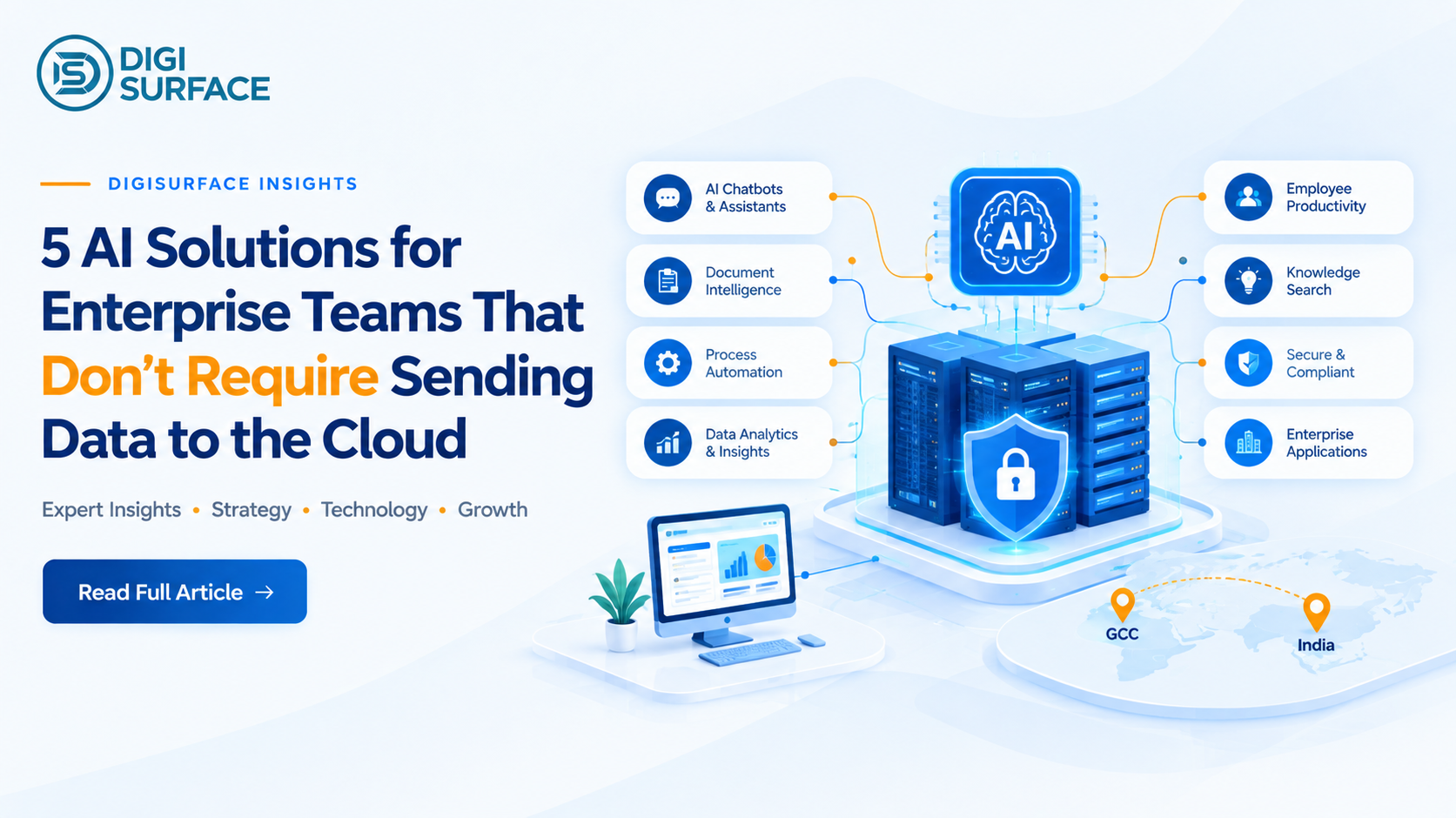
- On-premises AI chatbots – replace cloud-routed customer/employee chatbots with one that never leaves your infrastructure
- Document AI & RAG – get summaries and Q&A on internal documents without uploading them to a third-party service
- Voice & text-to-SQL – query your own database in plain English instead of writing SQL or waiting on a report
- Code assist behind the firewall – AI-assisted coding for proprietary or regulated codebases, without sending source code externally
- Local workflow automation – AI-driven approvals and routing that run on infrastructure you control, not a cloud automation platform
Full breakdown of each use case, a cloud-vs-on-premises comparison, and where these fit for GCC-regulated teams below.
Which of These 5 Actually Fits Your Team? Every enterprise’s data sensitivity is different; see how DigiSurface’s on-premises AI solutions are built to cover all five use cases in one platform. See DigiSurface’s On-Premises AI Solutions →
“AI without sending data to the cloud” sounds like a compromise, until you see what’s actually possible on-premises today. Five categories of AI solutions for enterprise teams now run entirely inside an organization’s own infrastructure; no prompt, document, or query ever has to leave the firewall. This isn’t a stripped-down version of cloud AI either; it’s the same underlying capability, deployed differently, for the exact scenarios where “our provider handles that” isn’t an acceptable answer to a regulator, a client, or an internal security team.
Why On-Premises AI Matters for Regulated Teams
For banking, healthcare, government, and GCC-regulated sectors, data residency isn’t a preference; it’s increasingly a legal requirement. A cloud AI tool can process a prompt on servers outside the country even when the provider’s dashboard shows the “right” region selected, because the prompt itself and the model’s response are a separate data flow that the storage setting doesn’t cover. For enterprises operating under GCC frameworks specifically, that distinction is exactly what’s driving the shift toward on-premises and hybrid AI deployment for anything touching regulated data.
This isn’t just a compliance checkbox either. A payroll query that touches GOSI or WPS-linked salary data, a banking query involving transaction records, or a healthcare query referencing patient information all carry the same underlying risk: the moment that query is processed on infrastructure outside the organization’s control, the organization has lost the ability to guarantee where that data actually went. Selecting a “region” in a cloud dashboard is a configuration choice a vendor can quietly change; an on-premises deployment is an architectural guarantee that doesn’t depend on anyone else’s infrastructure decisions.
Use Case 1: On-Premises AI Chatbots
An on-premises AI chatbot answers employee or customer queries the same way a cloud chatbot does, with one structural difference: the conversation never routes through a third-party server. For HR queries touching payroll data, IT helpdesk requests, or customer service interactions involving financial or medical information, that difference is the entire point. A cloud-routed voice or chat assistant means sensitive data has already left the organization’s infrastructure the moment a query is submitted, regardless of how the conversation is eventually stored. DigiSurface‘s Sentinel platform delivers this with unlimited user access built in, so scaling the chatbot across a growing organization doesn’t come with the per-seat cost penalty most cloud chatbot licenses carry, a real constraint for large HR or customer service teams fielding thousands of routine queries a month.
Use Case 2: Document AI & RAG (Retrieval-Augmented Generation)
Document AI lets a team upload contracts, policies, or reports and get instant summaries, plus follow-up questions answered directly against that content, using a technique called Retrieval-Augmented Generation (RAG) that grounds the AI’s answers in the actual uploaded documents rather than general knowledge. Run on-premises, this means sensitive contracts or internal reports never get uploaded to an external AI service just to get a summary- a real gap in many popular AI tools, where “just summarize this contract” quietly means sending the full contract text to a third-party server first. Sentinel’s document Q&A capability is built around exactly this: upload a document or dataset, get a summary, and ask questions against it, all without the file leaving the organization’s own environment.
Use Case 3: Voice & Text-to-SQL Querying Your Own Database in Plain English
Instead of writing a SQL query or waiting on an analyst to pull a report, text-to-SQL lets someone type or say a plain-English question and get a direct answer pulled from the actual database. “What were our top five products by revenue last quarter?” becomes a spoken question instead of a ticket in someone’s backlog. This is one of Sentinel’s more differentiated capabilities: specifically, ask your database anything, in plain English, with the query itself never leaving the organization’s infrastructure.
Use Case 4: Code Assist Behind the Firewall
Engineering teams working with proprietary algorithms, regulated financial logic, or client-specific codebases often can’t use a standard cloud-based AI coding assistant, since that typically means sending source code snippets to a third-party API as context. On-premises code assist provides the same autocomplete, explanation, and debugging support, but with the model and the code both staying inside the organization’s own environment, which matters as much for competitive IP protection as it does for compliance.
Use Case 5: Local Workflow Automation
AI-assisted workflow automation, routing an approval, flagging an anomaly, prioritizing a queue, typically runs through a cloud automation platform that processes the underlying data externally to make its decision. Running that same logic on a local model keeps the decision-making data (which might include financial thresholds, customer records, or internal routing rules) inside the organization’s infrastructure rather than passing through a third party’s automation engine.
On-Premises vs Cloud AI: The Trade-Off Snapshot
None of this means cloud AI is wrong; it depends entirely on what the use case actually requires. A marketing team drafting general content, brainstorming campaign ideas, or summarizing publicly available research has little reason to complicate that with on-premises infrastructure. The calculation changes the moment the data involved is a customer record, a patient file, a financial transaction, or anything a regulator might eventually ask about.
| Cloud AI | On-Premises AI (Sentinel-style) | |
| Data leaves the firewall | Yes, by default | No |
| Setup time | Fastest | Longer, but one-time |
| Cost at scale | Scales per seat/token | Flattens after initial investment |
| Best for | Low-sensitivity, general use | Regulated data, GCC/India residency needs |
Where DigiSurface Fits Across All 5
Rather than stitching together five separate point solutions, one per use case, DigiSurface‘s Sentinel platform is built to cover all five from a single deployment:
- Unlimited users across chatbot, document AI, and query use cases, without per-seat scaling penalties
- Text-to-SQL and voice querying built in as a core capability, not a bolt-on feature
- Document and data Q&A for internal knowledge, contracts, and reports
- On-premises deployment option for organizations that need data to stay fully within their own infrastructure
- Multiple LLM options matched to each use case, so a low-stakes HR query and a regulated banking query aren’t routed through the same model unnecessarily
Frequently Asked Questions
What are enterprise AI solutions?
Enterprise AI solutions are AI-powered tools and platforms designed to handle business-scale needs, chatbots, document processing, workflow automation, and data analysis, built with the security, scalability, and governance requirements that distinguish enterprise deployment from a consumer AI tool.
How do I use AI without sharing my data with a third party?
The most reliable way is deploying AI on infrastructure your organization controls, either fully on-premises or through a hybrid setup where sensitive queries stay local and only non-sensitive queries route to the cloud. This ensures prompts, documents, and outputs are processed and stored entirely within your own environment rather than a third-party provider’s servers.
What are examples of AI solutions for enterprise teams?
Common examples include AI chatbots for customer or employee support, document AI and RAG systems for querying internal knowledge, text-to-SQL tools for querying databases in plain language, AI-assisted coding tools, and workflow automation that uses AI to route, prioritize, or flag tasks.
What is the best enterprise AI solution?
There isn’t a single best option; it depends on the use case, data sensitivity, and regulatory environment. A low-sensitivity, general-purpose task is often well served by a cloud AI tool, while regulated data in banking, healthcare, or government contexts is generally better served by an on-premises or hybrid deployment built specifically for that data’s residency requirements.
Who are the top enterprise AI solution providers?
The enterprise AI landscape includes large cloud-first platforms like AWS SageMaker, IBM Watsonx, Microsoft Copilot, and SAP Business AI, each built primarily around cloud infrastructure and general-purpose enterprise workflows. For organizations that need AI capability without that cloud dependency, particularly regulated industries in India and the GCC, DigiSurface’s Sentinel platform is built specifically as an on-premises and hybrid alternative, covering chatbot, document AI, text-to-SQL, and workflow automation use cases without requiring data to leave the organization’s own infrastructure.
See Which Use Case Fits Your Team
The five use cases above aren’t hypothetical; they’re deployable today, on infrastructure your organization controls. If your team is evaluating AI for chatbots, document processing, database queries, coding, or workflow automation and data residency is part of that conversation, see how Sentinel covers all five from one platform
Book a consultation with DigiSurface to map which use case matters most for your data.